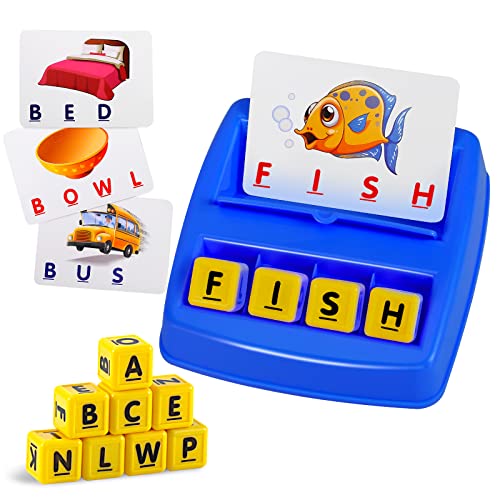
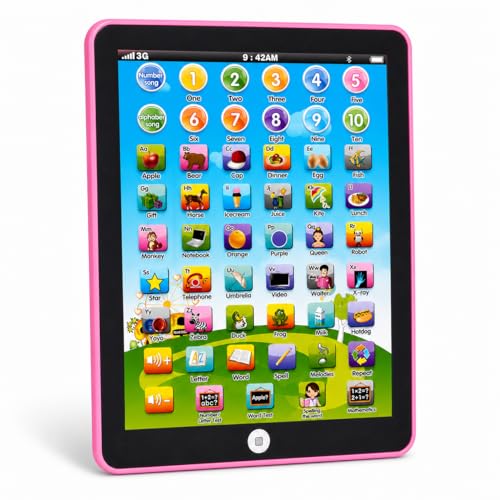
At four years old, children are developing crucial pre-literacy and numeracy skills, along with fine motor control and social-emotional understanding. The right app can transform screen time into a powerful learning opportunity. However, with an overwhelming number of options, finding genuinely educational and age-appropriate games can feel like a challenge. This guide cuts through the noise, focusing on what matters most: how an app supports your child's development, its ease of use, and its ability to spark genuine curiosity.
What Makes an iPad Game Truly "Educational" for a 4-Year-Old?
Not all apps labeled "educational" are created equal. For a four-year-old, a high-quality learning game should be more than just a digital worksheet. It should be interactive, adaptive, and, most importantly, fun. Look for these key characteristics:
- Developmentally Appropriate: The content should match the skills a typical four-year-old is developing, such as letter recognition, phonics, counting, and simple problem-solving.
- Active Engagement: The game should require the child to think and respond, not just passively tap or swipe.
- Positive Reinforcement: Encouraging feedback and rewards for effort help build confidence and a growth mindset.
- Intuitive Interface: The game should be easy enough for a child to navigate without constant adult help, fostering independence.
- No In-App Purchases or Ads: For a seamless and safe experience, a one-time purchase or a subscription model is ideal, as it prevents accidental spending and distractions.
Top Tiers of Educational iPad Games for Four-Year-Olds
We've categorized the best games into tiers based on their primary learning focus. This helps you choose what to prioritize based on your child's interests and current developmental goals.
Building Reading Foundations
These apps focus on letter recognition, phonics, and early vocabulary through engaging stories and interactive play.
- Letter tracing and sound association
- Rhyming games and word building
- Interactive storybooks that read aloud
Discovering Numbers & Patterns
These games introduce core mathematical concepts like counting, number recognition, shapes, and simple patterns.
- Counting and sorting games
- Shape and pattern matching
- Introductory addition and subtraction through play
Unleashing Imagination
These apps provide open-ended creative tools for drawing, music, and storytelling, allowing for self-expression.
- Digital coloring and drawing apps
- Music creation and exploration
- Simple animation and storytelling tools
Developing Critical Thinking
These apps are built around puzzles, logic challenges, and strategic thinking, often within a fun narrative.
- Interactive puzzles and mazes
- Coding games that teach sequencing
- Games that require planning and foresight
Key Features to Compare at a Glance
When evaluating an app, it helps to have a framework. This table summarizes the essential features to look for and how different app tiers might approach them.
| Feature | Essential Tier | Balanced Tier | Premium Tier |
|---|---|---|---|
| Primary Learning Focus | Single skill (e.g., letters) | Multiple skills (e.g., letters + numbers) | Interdisciplinary, connected learning |
| Adaptive Difficulty | Static difficulty level | Manual level selection | Automatic adjustment based on child's performance |
| Parental Dashboard | None or minimal | Basic progress reports | Detailed analytics and custom settings |
| Offline Play | Requires internet | Partial offline access | Full offline access for on-the-go learning |
How to Choose the Right Game for Your Child
Selecting the perfect game is a balance between your child's interests and your educational goals. Here are some practical steps:
- Observe Their Interests: Does your child gravitate towards drawing, building, or listening to stories? Choose an app that aligns with their natural curiosity.
- Check the Age Rating: Ensure the app is explicitly designed for the 4+ age group, meaning its interface and content are appropriate.
- Read Reviews from Parents and Educators: Look for feedback on engagement, educational value, and technical issues.
- Try Before You Commit: Many apps offer a free version with limited content. Use this to see if your child enjoys the gameplay and if the interface works for them.
For a broader look at apps designed for slightly older kids, our educational iPad games for 5 year olds guide can provide additional perspective on how these tools evolve with your child.
Setting Healthy Screen Time Boundaries
While educational games are valuable, they should be part of a balanced diet of play. The key is intentionality. Set clear time limits—for example, 20-30 minutes a day of high-quality interactive time—and stick to them. Use timers and make the end of screen time a natural transition to another activity, like outdoor play or reading a physical book. Creating a routine where screen time is a predictable and controlled part of the day helps prevent conflict and ensures it remains a positive experience. Engaging with other types of learning toys, such as educational toys for 4-5 year olds, provides a well-rounded developmental experience.
Ready to Find the Perfect Learning App?
Our hand-picked selection of educational iPad games for four-year-olds is curated to provide the perfect blend of fun and learning. Explore options that will ignite your child's curiosity and build a lifelong love of learning.
View Our Top PicksFrequently Asked Questions
What is the best age to start using educational iPad games?
Every child is different, but around age 3 or 4 is often when children can start to interact meaningfully with simple educational apps. At this age, they can follow basic instructions and benefit from the interactive elements. The key is to choose apps that are developmentally appropriate and to always supervise their use.
Are free educational apps as good as paid ones?
It depends on the app. Many free apps are excellent, but they may come with ads or in-app purchases that can disrupt the learning experience. Paid apps (either one-time purchase or subscription) often offer a more seamless, ad-free environment with richer content and features, making them a solid long-term investment for your child's education.
How can I ensure my child's safety while using the iPad?
First, use the guided access or parental control features built into the iPad to lock your child into a single app and prevent them from accessing other parts of the device. Second, choose apps that are designed for children and have strong privacy policies. Finally, the best safety measure is your presence; co-playing and co-viewing not only keep them safe but also enhance the learning experience.
Can educational iPad games replace traditional learning toys?
No, they are a complement, not a replacement. Digital games offer unique opportunities for interactive learning, but they should be part of a wider play ecosystem that includes physical toys, outdoor play, and social interaction. For a balanced approach, explore our resources on educational toys for 3-4 year olds and educational toys for 4-5 year olds.